The data collected by an industrial scale can be just as important as the weight shown on its display. Weight records may be used to document production, verify filling operations, monitor material consumption, calculate shipping charges, or maintain traceability.
Recording each weight manually takes time and creates opportunities for transcription errors, missing entries, and misplaced paperwork. Industrial scale data logging automates that process by saving or transmitting weight records electronically.
Arlyn Scales offers several ways to collect weighing data. The best method depends on whether you need offline records, live access from a computer, online spreadsheet logging, or communication with existing equipment.
What is the easiest way to record data from an industrial scale?
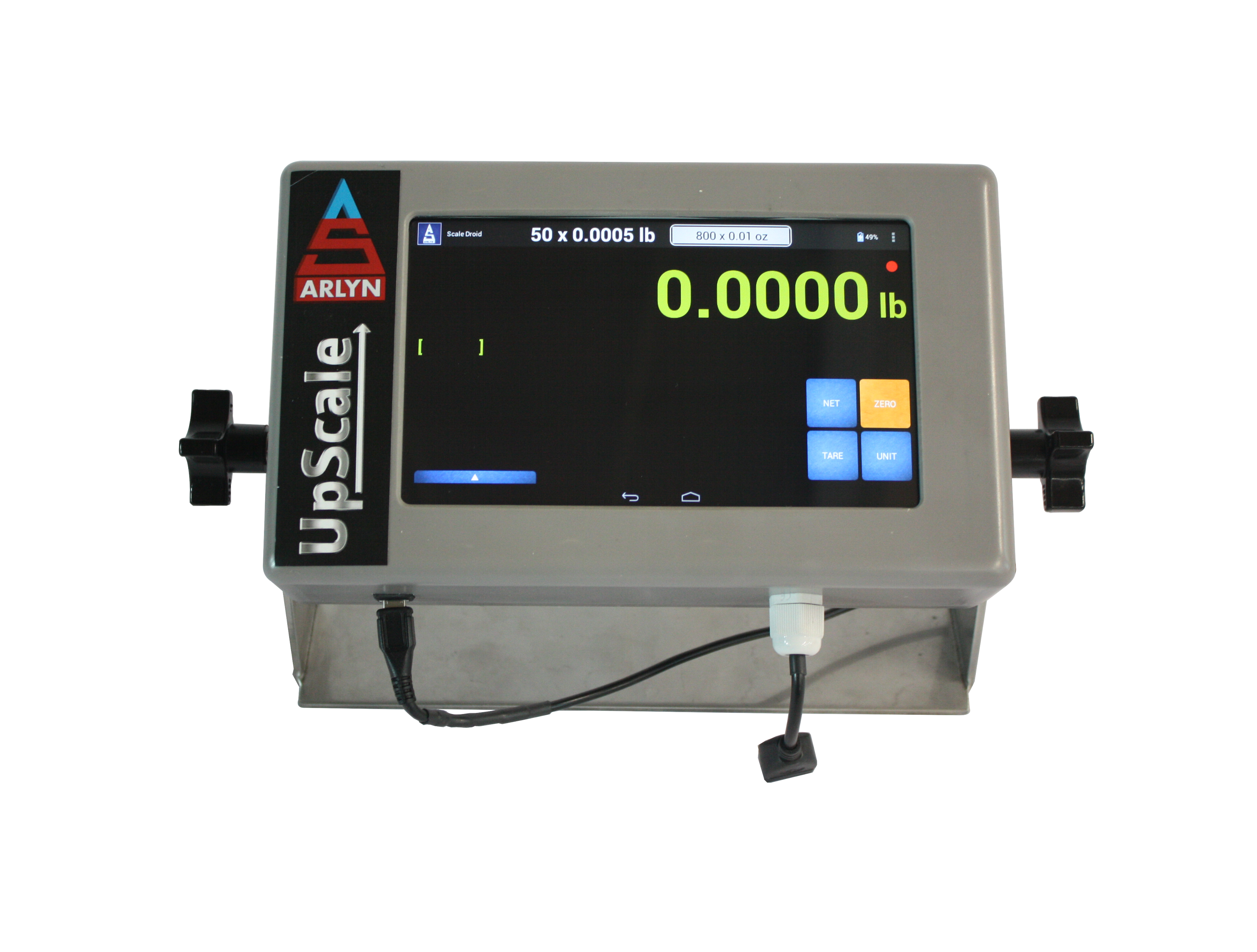
For simple offline recordkeeping, use the Arlyn UpScale Data Logging option to store weight records internally and export them to a USB flash drive. For online access, add Ethernet or Wi-Fi and send records to Google Sheets or by email. For live computer-based recording, connect the scale to Arlyn Remote Indicator through USB, serial communication, Ethernet, or Wi-Fi.
Compare Industrial Scale Data-Logging Methods
The terms USB logging, USB communication, and computer logging do not describe the same process. The following table shows the main differences.
| Method | How It Works | Computer Required? | Internet Required? | Best Suited For |
|---|---|---|---|---|
| UpScale local data logging | The indicator stores triggered or periodic weight records in its internal data table. | No |
No |
Standalone logging without keeping a computer beside the scale |
| USB flash-drive export | A flash drive is inserted when the operator is ready to export records from the UpScale. | Only to review the exported file | No |
Moving records from the scale into spreadsheet or database software |
| Emailed data logs | The UpScale sends collected logs on demand or according to a scheduled date and time. | No computer at the scale | Yes |
Automatic reporting without manually retrieving a flash drive |
| Google Sheets logging | The UpScale posts weight records to a configured Google spreadsheet over the internet. | No computer at the scale | Yes |
Near-real-time spreadsheet access from different locations |
| Remote Indicator software | A Windows computer receives and records live scale data through a wired or network connection. | Yes |
No for local connections; network access may be required for remote locations | Live PC monitoring, recording, and transfer into other applications |
| Custom software integration | External software requests or receives scale data through serial, TCP/IP, Web API, or another supported interface. | Usually | Depends on the selected interface | ERP, laboratory, production, shipping, and proprietary software workflows |
Local USB Data Logging with the Arlyn UpScale
The Arlyn UpScale can collect weight records without requiring a computer to remain connected to the scale.
The data logger supports two primary recording methods:
- Triggered logging: An operator records a weight by pressing the logging control or activating a configured trigger.
- Periodic logging: The indicator automatically records weights at a selected time interval.
Records are stored in the UpScale’s internal data table. When the operator is ready to retrieve the data, a compatible USB flash drive is inserted and the records are exported.
The flash drive does not need to remain installed during routine weighing. This reduces the risk of the drive being struck, removed accidentally, or interfering with normal operation.
What Can Be Included in a Data Record?
The exact fields depend on the indicator settings and installed options. Records may include information such as:
- Weight
- Measurement units
- Date and time
- Group or item information
- Stored sample or tare information
- Custom fields
- Operator information when compatible user-management functions are configured
The exported information can then be opened or imported into compatible spreadsheet, database, or reporting software.
Email Scale Data Logs Automatically
An UpScale equipped with the Data Logging option and Ethernet or Wi-Fi can email its collected data.
Logs can be sent:
- On demand when an operator requests them
- Automatically at a configured date and time
Email delivery can reduce the need for an employee to visit the scale and retrieve a flash drive. It is useful when supervisors need scheduled records from a scale located in another department, building, or work area.
Emailed data logs require the UpScale Data Logging option together with a compatible Ethernet or Wi-Fi connection. Email delivery is not available from the basic offline logger alone.
Log Industrial Scale Data to Google Sheets
Google Sheets logging allows an UpScale to post weight records to an online spreadsheet. Authorized users can then view or analyze the spreadsheet from another computer or mobile device.
The feature requires:
- An Arlyn UpScale touchscreen indicator
- The UpScale Data Logging option
- Ethernet or Wi-Fi communication
- An internet connection
- A properly configured Google spreadsheet and web application
Logging occurs near real time, but it should not be treated as an instantaneous industrial control connection. Internet latency and Google’s incoming-data limits can delay records, especially when the logging interval is set too aggressively.
If the internet connection is interrupted, the UpScale can continue saving records to its internal table. Those records can later be exported by USB or delivered using another configured method.
Google Sheets is well suited to operational visibility, shared reporting, and spreadsheet analysis. It should not replace a PLC or time-critical control system when immediate and deterministic communication is required.
Learn About Google Sheets Logging
Record Live Scale Data on a Windows PC
Arlyn Remote Indicator is a Windows application for monitoring and recording data from an Arlyn scale. The software supports direct wired connections and network-connected scales.
Depending on the scale configuration, Remote Indicator can connect through:
- USB
- RS-232
- RS-485
- Ethernet TCP/IP
- Wi-Fi
Remote Indicator can display the current scale reading, collect data, and help transfer weight values into computer-based workflows. A separate USB Keyboard Wedge option can place weight values directly into compatible third-party application fields without requiring Remote Indicator.
This approach is appropriate when a Windows PC is already part of the workstation and the user needs immediate access to each measurement.
Need to record weight directly on a PC?
Remote Indicator supports local wired connections as well as Ethernet and Wi-Fi connections to compatible Arlyn scales.
Choose the Correct Scale-to-Computer Connection
The data-logging software and the physical connection are separate choices. Select the communication method according to distance, number of scales, existing infrastructure, and the equipment receiving the data.
| Connection | How It Is Used | Main Advantage | Important Consideration |
|---|---|---|---|
| USB communication | Connects one scale directly to a nearby computer using a virtual serial connection. | Familiar computer interface and straightforward local installation | Do not confuse direct USB communication with exporting records to a USB flash drive. |
| RS-232 | Provides a direct serial connection to a computer, printer, PLC, or other compatible device. | Simple and widely supported industrial communication | Normally intended for one scale and a relatively local connection. |
| RS-485 | Uses differential serial communication for longer cable runs and multi-device networks. | Better suited to longer distances and multiple connected scales | The receiving system must support the correct wiring, protocol, addresses, and serial settings. |
| Ethernet TCP/IP | Connects the scale to a wired local network. | Allows the scale to communicate across existing network infrastructure | Requires appropriate IP settings, network access, and compatible software. |
| Wi-Fi | Connects a compatible UpScale to a wireless network. | Network communication without running a data cable to the scale | Performance depends on wireless coverage, network policies, and signal reliability. |
How to Choose a Weighing Data-Logging System
Start by defining how the records will be used. Avoid selecting a connection merely because it is familiar or already available on a computer.
- Decide when data must be available. Determine whether records can be retrieved at the end of a shift or must be viewed immediately.
- Determine whether a computer will remain near the scale. Local UpScale logging does not require one; Remote Indicator does.
- Identify whether internet access is available. Google Sheets and emailed logs require a network connection.
- Choose triggered or periodic recording. Triggered logging captures selected events, while periodic logging records continuously at a defined interval.
- Define the required record fields. Consider weight, time, item, group, operator, tare, and custom information.
- Identify the receiving system. Specify whether the data will go to a spreadsheet, database, printer, PLC, shipping program, ERP system, or custom application.
- Consider connection distance and scale quantity. A nearby single scale may use USB or RS-232, while a network or multiple-scale installation may require RS-485, Ethernet, or Wi-Fi.
- Review data security. Online spreadsheets, email, and network connections should follow the organization’s access and security policies.
Choose the Right Scale Data-Logging Method
Provide Arlyn Scales with the indicator model, number of scales, required record fields, logging frequency, connection distance, and the software or equipment that must receive the data.
Call 800-645-4301 to discuss your weighing-data requirements.